TECHNICAL EXPERIENCE & SYSTEM DEPLOYMENT
Physical Multi-OS Systems
Exploring, installing and managing operating systems across physical hardware, virtual environments, portable devices and self-hosted infrastructure.
01 — Legacy Windows Systems
Experience with classic Windows platforms, system installation, hardware compatibility, drivers and legacy software environments.
Windows 98
Legacy desktop installation and hardware compatibility.
Windows 2000
Classic Windows NT-based systems and legacy applications.
Windows XP
Legacy software, device drivers and system maintenance.
Windows Vista
Desktop configuration, drivers and compatibility testing.
Windows 7
Legacy application environments and troubleshooting.
02 — Modern Windows Systems
Windows deployment across newer platform generations, including installation, device drivers, system configuration and recovery.
Windows 8 / 8.1
Desktop and touch-oriented Windows installation and configuration.

Windows 10
Installation, configuration and system troubleshooting.
Windows 11
Hardware compatibility and operating system deployment.
03 — Linux & Android-based Systems
Linux distributions and Android-derived operating systems across desktop, server and mobile hardware.

Debian 12
Linux installation, packages, services and system administration.

Ubuntu 15
Linux desktop installation and historical distribution experience.

Bliss OS
Android-based operating system deployment on PC hardware.

LineageOS 22
Alternative Android environments and device compatibility.
Android-x86 R9
Android installation and testing on x86 computer hardware.
04 — Console & Multi-Boot Systems
Nintendo Switch V1 multi-boot research covering Horizon OS, Atmosphère, LineageOS and Ubuntu / L4T, with a focus on boot management, SD card partitioning, eMMC backups and emuMMC setup.

Nintendo Switch V1
Portable hardware research, RCM entry and multi-system configuration.
Horizon OS
Native Switch operating system and stock boot configurations.
Atmosphère
Custom firmware research and sysMMC / emuMMC configurations.
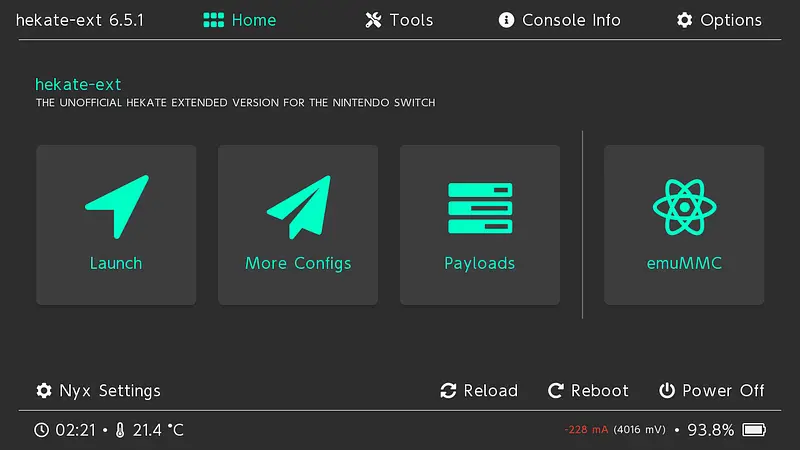
Hekate / Nyx
Payload booting, SD partitioning, eMMC backups and boot selection.
LineageOS 22
Android deployment research, rooting, controllers and connectivity.
Ubuntu / L4T
Switch Linux installation research and return-to-Hekate workflows.
05 — Virtualization & Supporting Infrastructure
Virtual machines, isolated testing environments, Linux integration on Windows and supporting storage hardware.
VMware
Virtual machine configuration and multi-OS testing environments.
VirtualBox
Desktop virtualization and guest operating system deployment.
Microsoft Hyper-V
Windows-based virtualization and virtual machine management.

Windows Sandbox
Temporary, isolated Windows environments for application testing.

Windows Subsystem for Linux
Linux tools and development workflows within Windows using WSL.
LSI Storage Controllers
Storage controller configuration and disk connectivity.
06 — Backup, Imaging & Disaster Recovery
System imaging, disk cloning, partition management, Windows maintenance and recovery workflows.
Acronis
System image backups, disk recovery and restoration workflows.
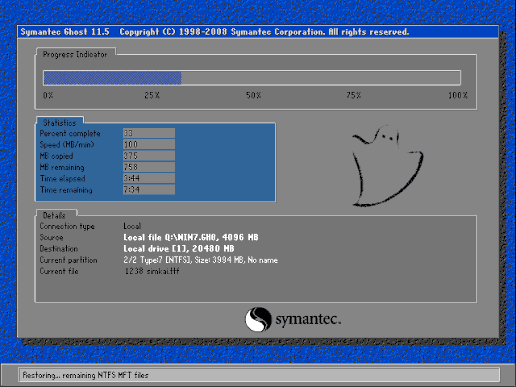
Ghost
Disk imaging, cloning and image-based system deployment.

DiskGenius
Partition management, disk cloning and data recovery workflows.
AOMEI Backupper
System backups, disk cloning and backup restoration.
Dism++
Windows image servicing, system cleanup and maintenance workflows.
07 — NAS & Self-Hosted Services
NAS administration and self-hosted service research across Synology and XPEnology environments, including storage, media, websites and remote connectivity.
NAS Platforms & Storage Services

Synology NAS
Network storage administration and application hosting.

XPEnology
Experimental DSM deployment on non-Synology hardware.
Synology DSM
Storage management, shared folders, permissions and packages.

Synology Photos
Personal photo libraries, organization and sharing workflows.

Synology Drive
File synchronization, access and personal cloud workflows.
Media & Surveillance

Jellyfin
Self-hosted media libraries and streaming configuration.
Jellyseerr
Media discovery and request management workflows.

Video Station
Experience with Synology video libraries and playback workflows.
Surveillance Station
IP camera integration, recording and monitoring configuration.

qBittorrent
Download management and web interface configuration.
Web Applications & Workspaces

WordPress
Self-hosted website deployment and content management.
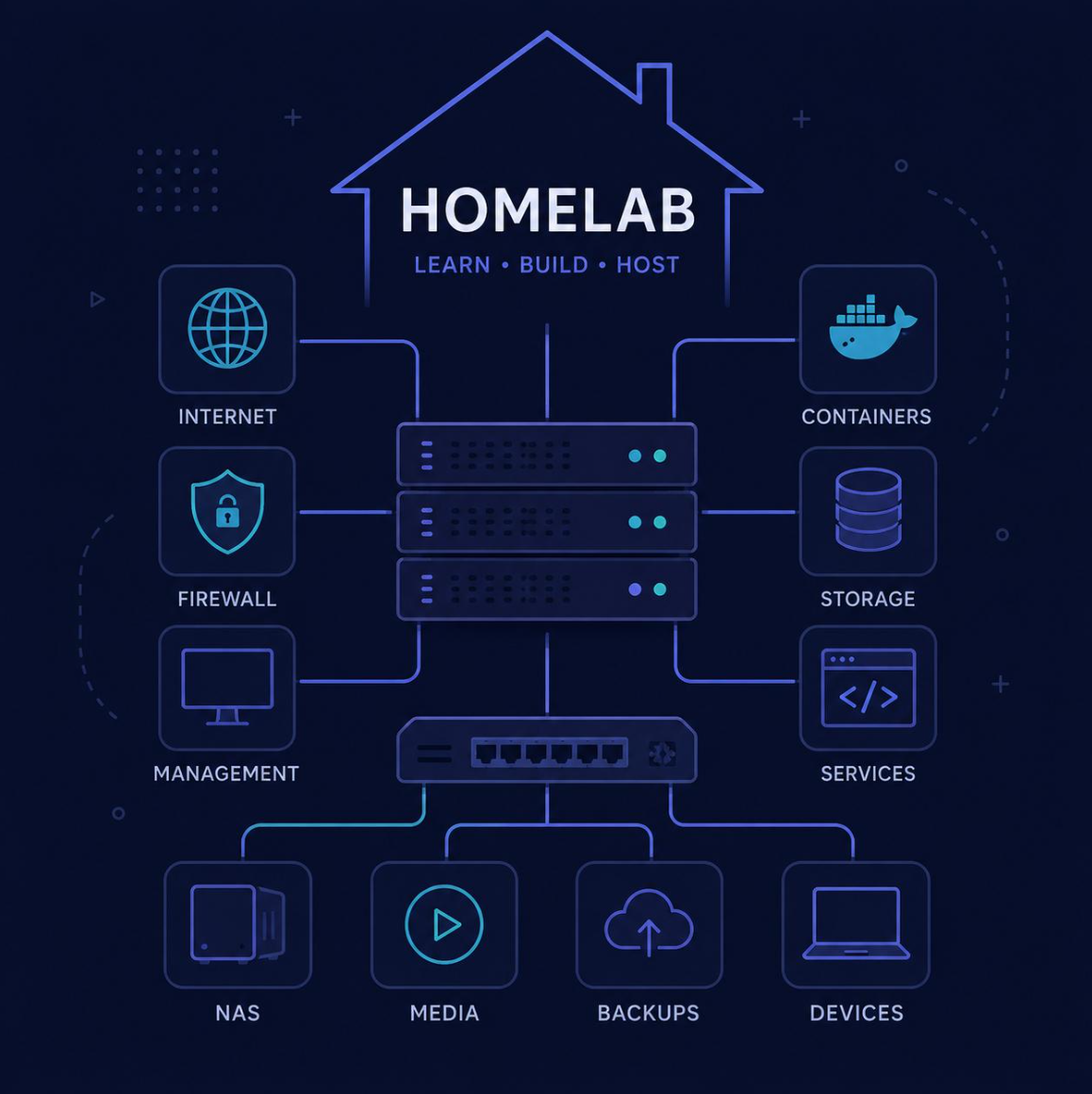
Homepage
A central dashboard for service links and infrastructure access.

OpenClaw
Application deployment research within a self-hosted environment.

Firefox
Browser-based access to self-hosted applications and admin tools.
Networking & Remote Access

WireGuard
VPN connectivity for remote access to private services.

Cloudflare Tunnel
Tunnel-based access to selected self-hosted services.

ZeroTier
Virtual networking between remote devices and private systems.
How Multi-OS Environments Work
Practical approaches to deploying, starting and maintaining operating systems across physical and virtual environments.
Native Installation
Installing an operating system directly onto physical hardware.
Multi-Boot
Selecting between operating systems through a configured boot menu.
Virtualization
Running guest operating systems inside virtual machines.
Recovery & Imaging
Creating system images and preparing restoration workflows.
Portable Boot Environments
Starting installation, live or recovery environments from USB media.
NAS & Service Hosting
Operating shared storage and applications on dedicated infrastructure.
Boot Managers & Portable Boot Environments
Experience and research involving bootloaders, Windows boot menus, multi-image USB tools and portable boot environments.

Clover
Bootloader configuration and operating system selection research.
Ventoy
Multi-image USB boot workflows for installation and recovery media.
GRUB
Linux bootloader configuration and multi-boot menu management.
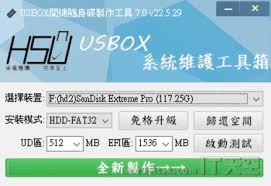
USBOX 7.0
Research and experience with a USB-based boot environment.
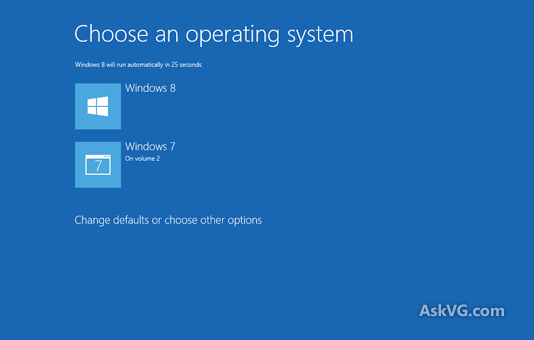
Windows Graphical Boot Menu
BCD configuration and the graphical Windows boot menu.
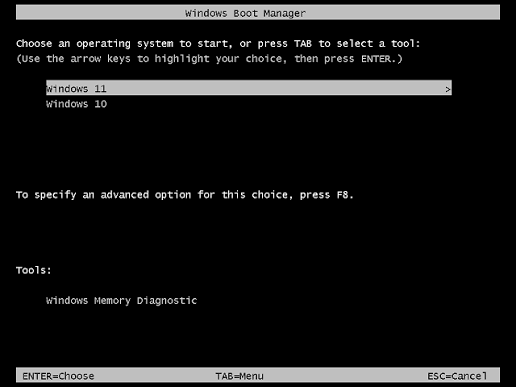
Windows Text Boot Menu
BCD configuration and the legacy text-based Windows boot menu.